Sunday, October 24, 2010
FV_Voicethread Documentary
In this video, you can view the introduction of the web 2.0 tool Voicethread with the National Art Honor Society, as a way to brainstorm mural designs for the school this year.

WK3&4_Reading

Believe it or not, I actually took RL (Real Life) notes on the articles I've been reading...lots of great stuff for my Literature Review!
PE6_iWeb


The third part of my iWeb experience this week involved dividing the website by Sections and the various Art Learning Centers (theme=art careers). I also began building content. I experimented with using the iWeb widgets, including the Youtube Widget, the RSS feed, and iSight Photo. Then, I made a Facebook page, "Mrs. A's Learning Centers" to connect to the iWeb. Now, the students participating in the Learning Centers can get updated when the Learning Center iWeb site has new content if they become members of the project on Facebook. I am considering whether or not to divide the Blog into 8 Sections/Learning Centers rather than by Art level (Art I, 2, 3) as I now have it.
PE5_iWeb


Step 2 of my PE this week was actually implementing some of the new knowledge I learned from watching tutorials. I decided to start a new site that will serve as the core interaction for students to use during my ARP. Students will be using this to Blog, watch videos/audio, and follow links to other sites and activities. I tried to play with the formatting in new ways so that I am providing an organized, usable format for students to move around in. Here are some of the screenshots from my new site, as well as a clip of all me building it in Screenflow.
Thursday, October 21, 2010
PE4_iWeb


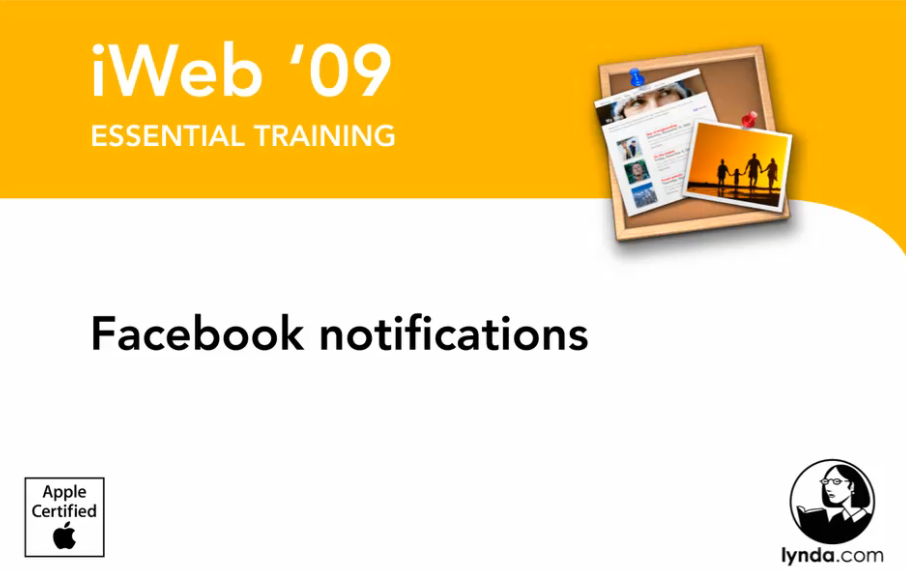

I wanted to make a website to use as the organizational hub of student interaction in my ARP. Although we have had some experience using iWeb in the program, I really wanted to dig deeper and learn some of the tools and features that I had not yet discovered. I hope to become an expert in iWeb to the degree that I would be able to demonstrate its use with my students, in case I decide to have them create their own somehow as part of my ARP down the road.
Last week, I started by watching some tutorials online, so I did the same thing to learn the intricacies of iWeb this week. I started with Lynda.com and also checked out Woopid.com. Here are some screenshots from those websites of some of my favorite videos. I loved learning about the widget options and also the Facebook connectivity options. I am looking foward to experimenting with these features as related to the specifics of my Action Research Project.
Sunday, October 17, 2010
PE3_Photoshop


For the last stage of my endeavors with Photoshop this week, I decided to reach out to someone that I knew was really good at what I wanted to learn. I contacted Javier Antunez, who is a graphic designer/artist that I met on xBox live. He has done some amazing videos on Youtube demonstrating his skills. I watched 2 that showcase him transforming a picture of himself, and 1 about proper lighting techniques. I feel that this method of learning Photoshop was the most effective to me because he pinpoints what I find to be the most useful skills as they relate to my plans for classroom integration.
Javier Antunez Youtube Photoshop tutorial video links:
Beast in Me (speed painting)
Antunez, J. (2009, December 14). Lighting tutorial with Photoshop CS3 [Video file]. Video posted to http://www.youtube.com/watch?v=byu-CCh0FVg&playnext=1&videos=xsezAX-XsyA&feature=mfu_in_order
Pictures are original graphic designs done in Photoshop by Javier Antunez, as described by the above videos.
PE2_Photoshop


Screenshots from Lynda.com
Not finding sufficient information from my Google searches, I decided to step it up a notch and try some Photoshop tutorials at Lynda.com. I did a search for the software and realized that there are hours and hours of demonstration tutorials about Photoshop, but they are all focused around specific tools or options (the software is so complex!) not around a certain project that could be done, like the portrait manipulation. These tutorials were things like, "Using Layers", or "Lasso Tool". I tried to pick out the most pertinent ones that would benefit teaching Photoshop with high school art students. In total, I watched about 10 3-5 minute videos about different skills. I picked up a lot of tricks and more familiarity with getting around the interface, but still not an overarching goal or theme to plug all the information into so that I can retain it all efficiently!
Subscribe to:
Posts (Atom)